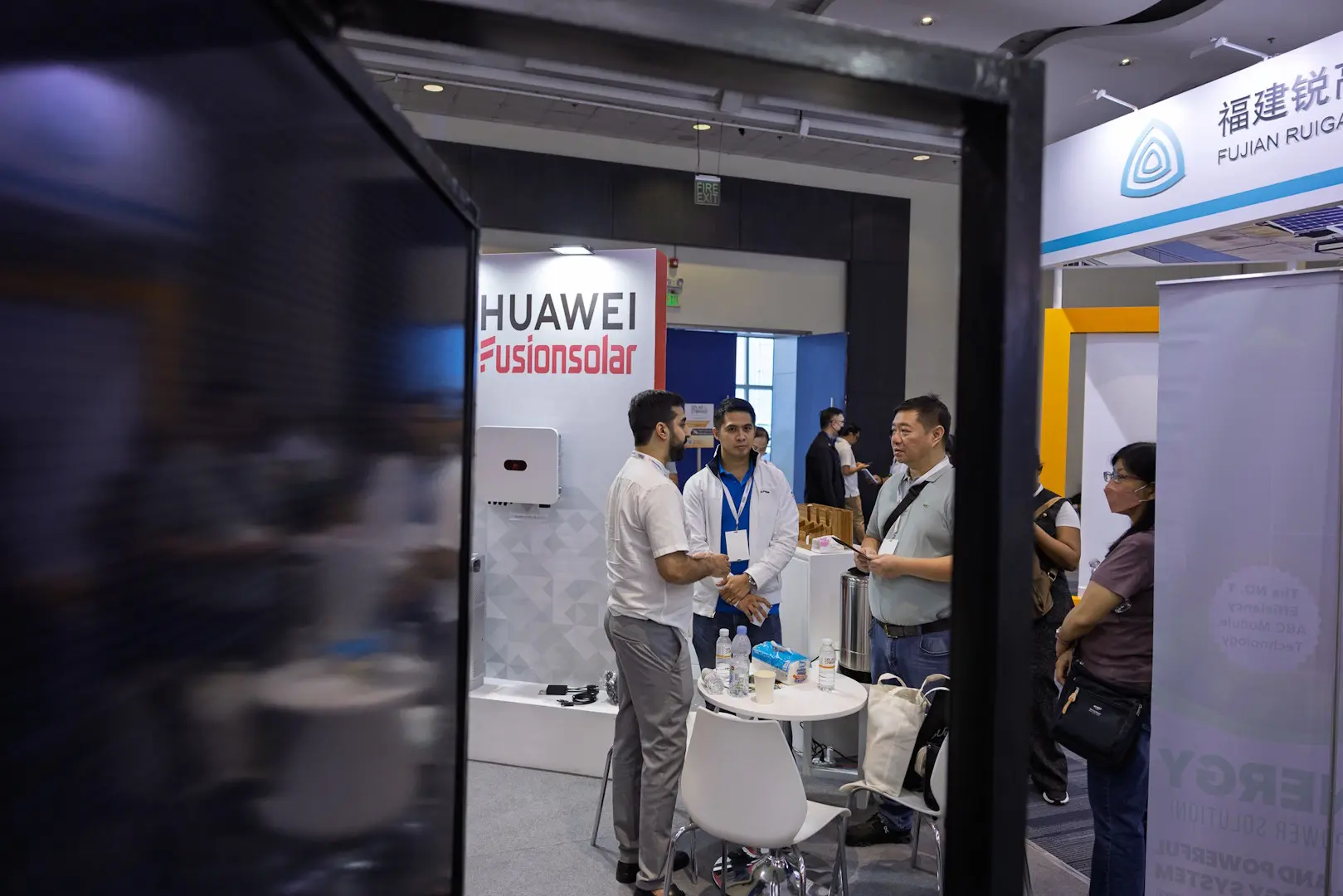

We’ll start with the bottom line: attention is scarce, venues are noisy, and “one-size-fits-all” is invisible.
Nowadays, B2B exhibition attendees demand personalised experiences. Your product might be cool, your service might be different, but are these enough to earn you more business?
Enter your competitor, who arrives at your next event with an interactive exhibition stand design taken to the next level. From their motion-activated hologram totem displays to their interactive Virtual Reality setup, your offering won’t stand a chance!
Fortunately, exceeding your customers’ expectations has become that much easier, thanks to this handy guide on creating personalised digital experiences at exhibitions. But before we get into the nitty-gritty, let’s examine what this term really means.
What Does “Personalised” Really Mean On The Show Floor?
It’s only natural that exhibitors are embracing personalised experiences when it comes to exhibition events. Why? Because most retail giants have already started doing this directly with consumers.
“Personalised experiences” are all interactions tailored to an individual or a specific buyer segment based on what you know about them. Think about who they are, what they’ve done, and what they’re likely to need next.
Add in the digital interaction component, where the user engages with your company differently due to digital technology, and you end up with the same “personalised digital experiences” now taking the events world by storm.
Personalised Digital Experience Example: The Lego App(s)
Buying, building, and collecting Lego is a fun and rewarding experience. It’s also a lucrative one, with The Lego Group having doubled its revenue since 2019. In a world where kids are turning to screens, how did Lego stay ahead and keep its products relevant?
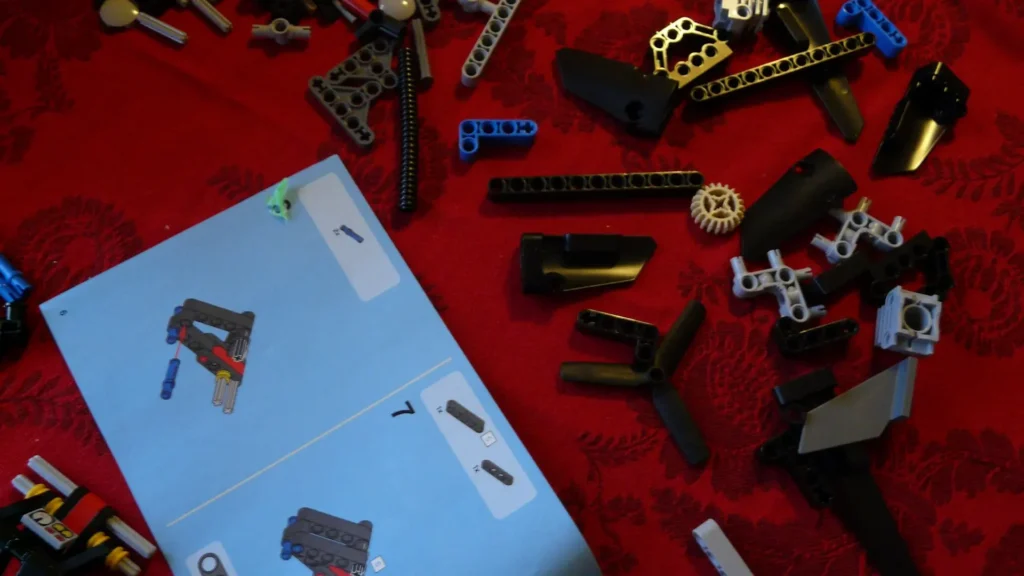
One powerful solution was Lego’s diverse selection of personalised mobile apps. One of them, the Lego Builder, offers a “build together” experience that breaks the construction up so that others can join in.
How it works:
- The instructions are broken up digitally using the “build together” feature.
- Each builder gets a segment of the instructions on their mobile phones.
- Builders proceed to assemble their own components.
- All the components are joined together seamlessly at the end.
The best bit? No more fights over sharing the physical instruction manual!
Meanwhile, Lego has made other apps catering to different themes and age groups. This variety helps each user find the specific Lego app for them, building strong emotional connections between users and Lego.
By integrating the standard Lego build experience with the digital realm, Lego transformed its appeal to its target market with enhanced user satisfaction to boot.
How Can You Create Personalised Digital Experiences?
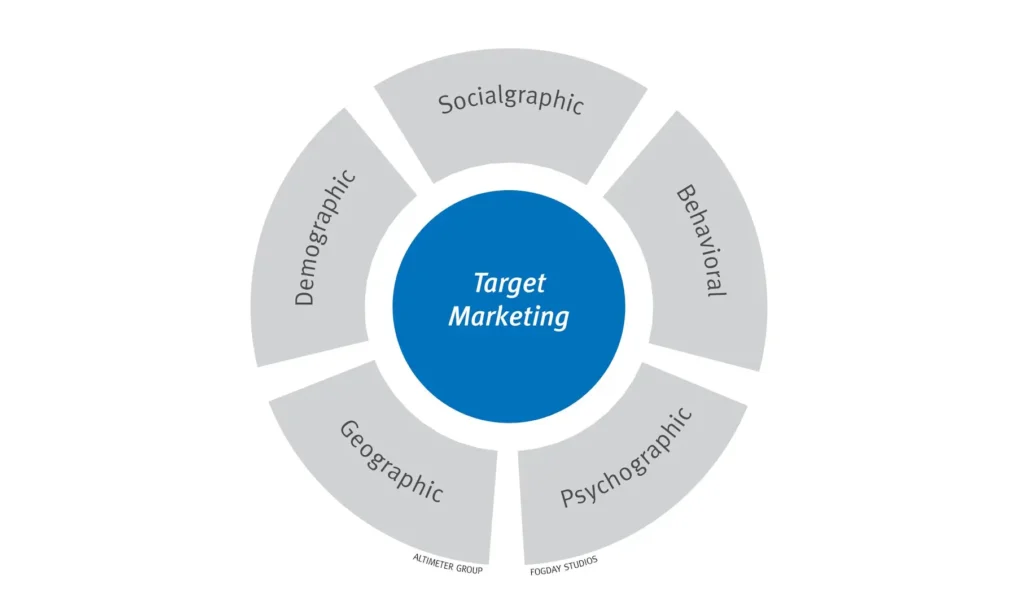
So, how does all this apply to the world of exhibitions? Simply, it means using buyer data to adapt your content, stand demos, and follow-ups in real time.
The standard process involves a combination of:
- Identification: using event technology like badge scan, QR, NFC, meeting pre-bookings, app logins, and a customer data platform.
- Decisioning: using rules or AI that pick the most relevant message/demo/offer for the buyer.
- Delivery: smart devices, tablets, AR/VR, configurators, exhibition stand lighting/audio, and staff prompts that change based on the visitor.
- Data capture and sync: push outcomes to CRM (e.g., HubSpot) and analytics.
Doing Right By The Law With Digital Technology Data Capture
Tracking your buyers to understand more about them is a core component of crafting digital experiences, but not all consumers appreciate this kind of engagement.
In many parts of the world, strong laws exist to protect customer data and privacy rights. Consider Europe’s GDPR law on data privacy, and the equivalent South African POPI Act. These laws require companies to respect users’ rights to the processing of digital data, with the users themselves having the final say via consent to data tracking and processing.
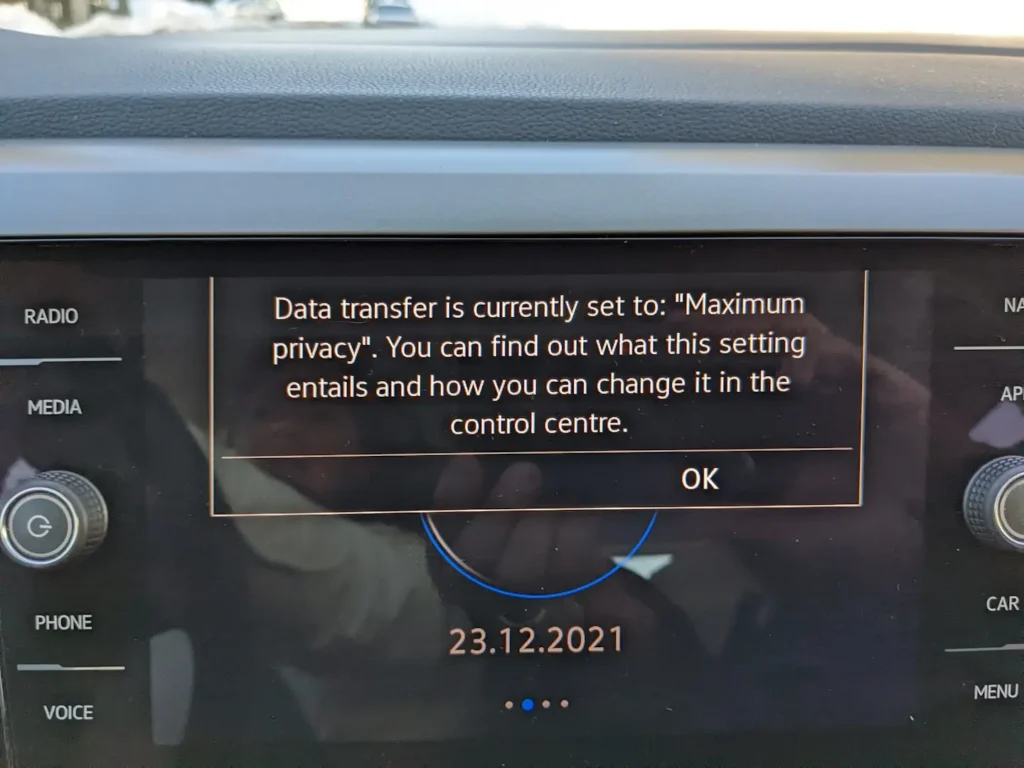
In practice, this means altering your booth design and company policy to be compliant with privacy regulations in whatever region you exhibit. Keep this in mind before you start building out a customer data platform.
Booth Design Implications:
You’ll need to keep all these in mind when talking to any UK based exhibition stand builder:
- Infrastructure
Digital setups don’t appear out of thin air. Plan early for power, wired ethernet, device charging, secure tablet mounts, software load times, and tidy cable routes. Most poor digital experiences die due to bad Wi-Fi, and users expect digital experiences to be seamless and responsive. - Zoning and flow
Create a fast lane for scrollers and a deep-dive lane for engaged prospects. Personalisation needs clear entry points for digital scanning (QR codes, AR setups) and quiet demo nooks for tailored conversations. - Screen strategy
Use a variety of screens in your setup according to your different buyers’ requirements. Put key screens at 1.4–1.6 m centre height for readability across the aisle and from afar. - Other content surfaces
Consider dynamic LEDs that shift colour by persona and product plinths with NFC tags or QR codes to create more personalised digital experiences. - Privacy and consent
Allow users to “opt-out” and always have clear on-stand signage, one-tap consent on tablets, and visible “email me this” options. Provide a no-tracking route with passive viewing to keep trust high. - Acoustics and accessibility
Opt for soft finishes around demo bays, stools with backs, glare-free displays, subtitles on screens, and handset audio for noisy halls.
Real Event Examples: Personalised Digital Experiences Done Right
Here are ten ways you can incorporate technology to boost overall customer interactions and create engaging, positive digital experiences:
- Smart Welcome Loop
A totem asks visitors to tap a badge or QR code. The hero screen then switches to specific content for their role. For example, the CFO sees an ROI animation, while an engineer sees a floor diagram.
Design tip: Place your totem at the front corner to catch diagonal footfall. - Product Finder Kiosk
A short quiz picks the right product bundle for the buyer. Then, the results aretexted or emailed instantly via HubSpot.
Design tip: Add a privacy panel so guests don’t feel rushed or exposed while taking the quiz. - Configurator Wall
Install three vertical screens for a special configurator. Start simple before adding modules; your buyers should see the price and lead time. Your exhibition staff will get a live cheat sheet on a tablet.
Design tip: Place comfortable seating opposite the screens: deals happen when people sit! - Role-Based Theatre Slots
Install a mini-theatre with an auto-updating agenda. For example, “Next: 11:30 Data Security for CIOs”. Attendees can scan a QR code to save the slides, and HubSpot logs the interest tag.
Design tip: Use a visible header banner and countdown timer to stop traffic. - AR “See-Before-You-Buy”
An attendee points their tablet at a physical product to reveal bespoke overlays, like fleet size, industry, or environment.
Design tip: Use anti-glare film for greater user satisfaction during the experience. - VIP Pre-Booked Meetings
When a pre-registered lead checks in, the meeting table loads their account notes, competitors, and a 3-slide pitch tailored to them.
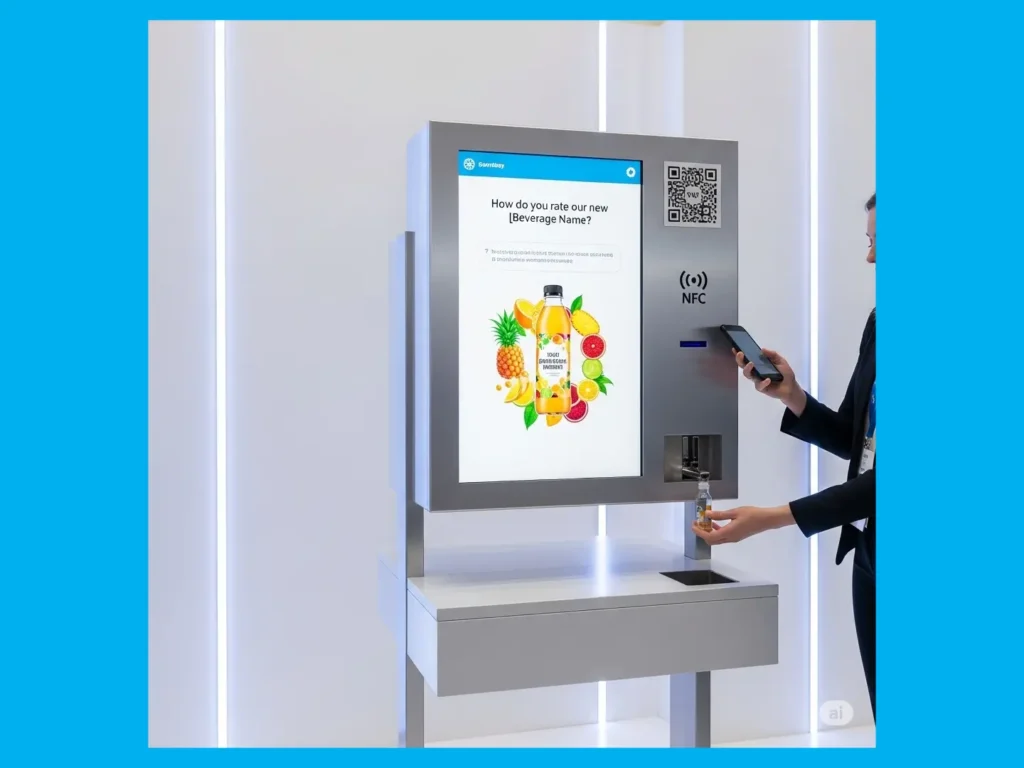
Design tip: Use a semi-enclosed lounge with good sound absorption. - Giveaway Dispenser
An NFC tap or QR code scan unlocks the right sample flavour based on questionnaire responses. The giveaway inventory updates live to streamline the customer journey.
Design tip: Position this one near the exit to reduce clutter and track conversions. - Interactive Benchmark
Visitors enter 3–5 inputs, see how they score vs peers, and receive a personalised benchmark PDF to their email.
Design tip: Use a clear “3-minute assessment” sign to set expectations. - AI Note-Taker + Summary Email
Staff select a persona and pain point(s) on a tablet. Then, AI produces a concise summary, and the next steps are sent to the visitor and your sales manager.
Design tip: Mount tablets on retractable arms at demo counters. - Dynamic Lighting Cues
Adjust LED edge lighting on counters to shift colour according to persona. For example, Ops can be blue, Finance green, and so on. Staff then know which talk track to use.
Design tip: Keep colours subtle. You’re assisting with wayfinding, not making a disco!
What Are Digital Experience Platforms (DXPs)?
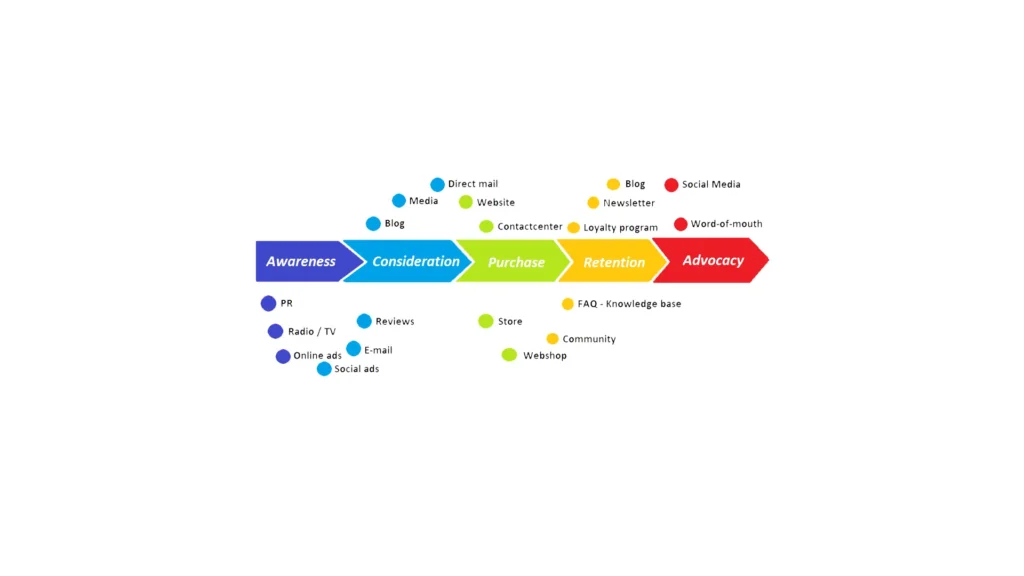
Digital Experience Platforms (DXPs) are a type of software that can help you manage and deliver personalised digital experiences across digital touchpoints.
Touchpoints include digital platforms users can interact with your business, like social media and your website. DXPs delivery messages across touchpoints by integrating tools for analytics, content management, personalisation, and so on.
As an exhibitor, a DXP can help you with digital asset management. It can also help you disseminate content across various digital channels like email, social media, and mobile apps. This can be a big help when you incorporate social media as part of your digital marketing strategy at exhibitions.
Remember: digital experiences work best when they are consistent across multiple channels; DXPs are designed to help you achieve this for greater levels of customer satisfaction.
From Generic To Genius
Personalised digital experiences are now crucial for maintaining buyer loyalty in an increasingly competitive B2B events scene. If a customer or buyer feels a product is specifically designed for them, then they’re more likely to buy. If they can get this feeling from digital channels that tickle their senses, then you’ll have an even larger competitive advantage over everyone else on exhibition day.
Of course, incorporating all this into your exhibition stand is easier said than done. Still, with customer loyalty and satisfaction on the line, why wouldn’t you invest to keep your booth up to par?
That’s where we come in. Let Booth Exhibits™ be your all-in-one partner. From modular stand designs to new digital experience strategies that take customer experiences to the next level, we’re one call away!
What are digital experiences?
Digital experiences refer to the different kinds of interactions a user has with your business due to digital technology.
How to measure digital experiences?
You can use a variety of exhibition metrics, like dwell time and demo completion rates, in conjunction with different software solutions to measure digital experiences at your event.
How to create digital experiences?
You can use simple tools like QR codes, badge scans, or tablets to identify who’s in front of you and then showing them the most relevant content.
What is a customer data platform?
A customer data platform is a digital customer relationship management tool, designed to help you segment your client base according to individual preferences.